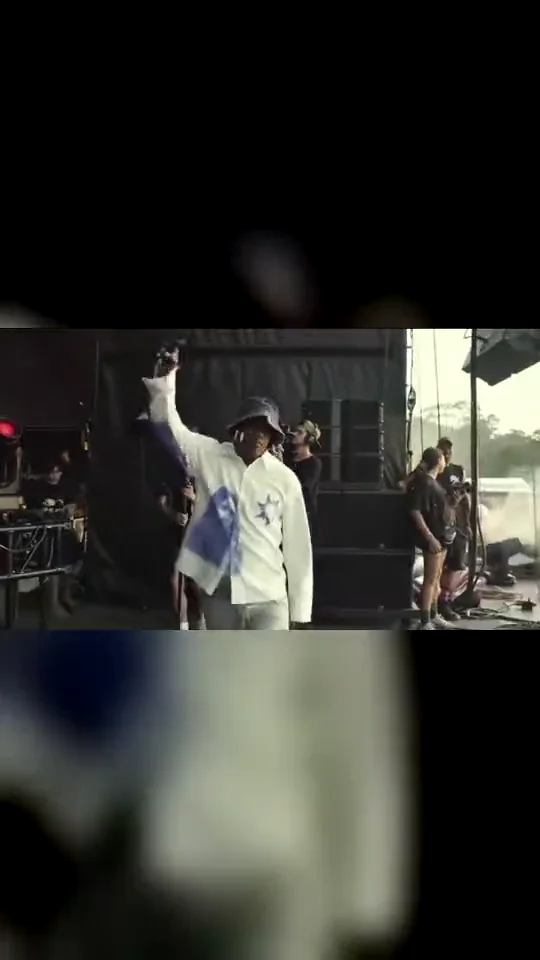
Start close enough to see the face before the camera follows the performer into daylight. This cut covers the first 15 seconds of the reference, from the shaded backstage area to the first high steps down the runway. Your photo supplies the person and outfit; the festival setting stays in the scene.
Tips for the backstage entrance
Use a clear face with your hair and shoulders visible.
Show your actual outfit; a full-body photo gives the model more clothing detail.
Choose 16:9 to keep the stage and crowd on both sides.
What is already set for you
The subject: the adult in your photo, wearing the same outfit.
The scene: a sunlit festival runway reached from a shaded backstage area.
The timing: Each cut uses 15 consecutive seconds of the same reference. No stitched reference segments or artificial speed-up.
What do I get with the Backstage Entrance template?
With the Backstage Entrance template, Walkout AI turns your photo into a lil yachty walkout ai video set in a sunlit festival runway reached from a shaded backstage area. Upload it, select the template and generate.
What does the backstage entrance look like?
On Walkout AI, the backstage entrance is the adult in your photo, wearing the same outfit. It is a generic design with no brand marks.
Which cut gives the clearest view of my face?
Backstage Entrance begins with the performer facing toward the camera before turning onto the runway. That gives Walkout AI more visible face time than the two later cuts. Use a sharp, evenly lit photo, but expect the face to become smaller as the performer moves away; exact likeness is not guaranteed.