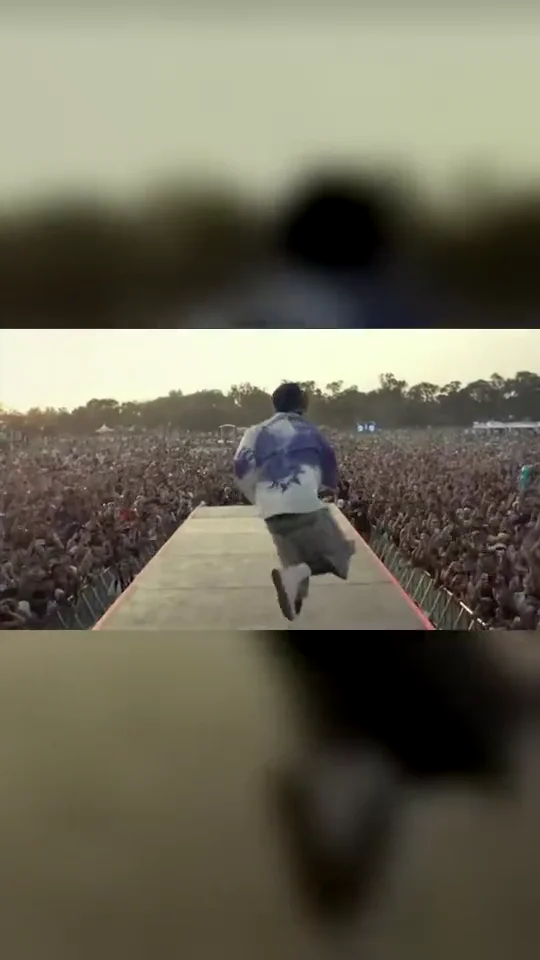
Runway Finale uses seconds 12 to 27 of the original reference. It stays out on the runway for the high steps, the arms-wide moment and the return toward the camera. Pick this cut for the ending rather than the backstage entrance.
Tips for the runway finale
Include shoes and legs in the photo when possible.
Avoid crossed arms or objects covering your torso.
Check hands, shoe shapes and the turn before sharing the result.
What is already set for you
The subject: the adult in your photo with their natural build and outfit.
The scene: the far end of the festival runway in warm daylight.
The timing: Each cut uses 15 consecutive seconds of the same reference. No stitched reference segments or artificial speed-up.
With the Runway Finale template, Walkout AI turns your photo into a lil yachty walkout ai video set in the far end of the festival runway in warm daylight. Upload it, select the template and generate.
What does the runway finale look like?
On Walkout AI, the runway finale is the adult in your photo with their natural build and outfit. It is a generic design with no brand marks.
Does Runway Finale include the backstage opening?
Runway Finale starts on the runway and uses the final 15-second section of the reference. It does not include the shaded backstage opening or the initial microphone lift. Choose Backstage Entrance for that opening. All three Walkout AI cuts aim to carry over your uploaded outfit. Clothing, faces and other details may vary in the generated result.